
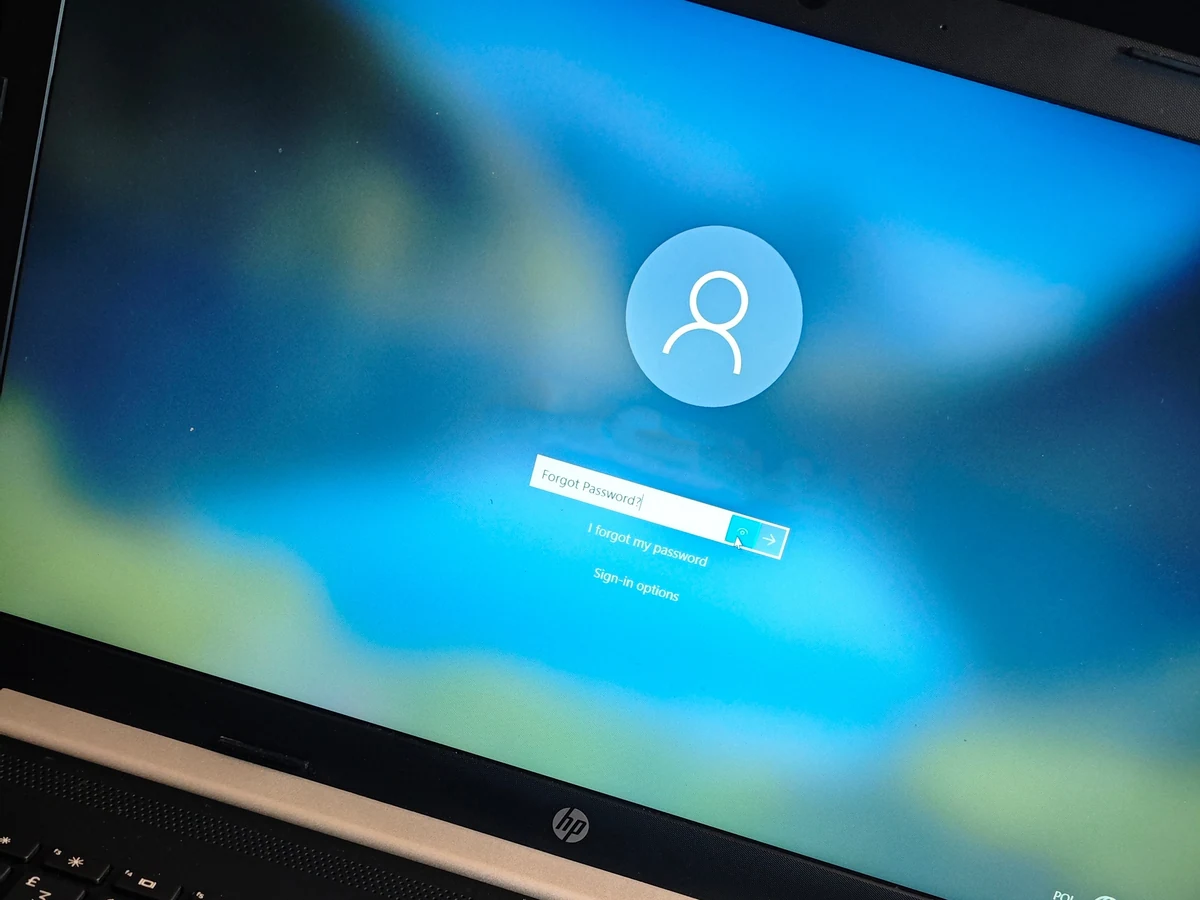
The problem
The laptop had been sitting unused in a wardrobe for several years. When the customer took it out again, the Windows password had been forgotten, so it stopped at the sign-in screen.
The customer wanted two things: to get their files off the laptop, above all the photos, and to have the laptop working again.
Diagnosis and testing
A forgotten password locks you out of the Windows account, but it does not delete anything: the customer's files were still on the hard drive.
That meant the files could be copied off first and Windows reinstalled afterwards, without losing the photos.
- After the reinstall, checked the original 1 TB WD hard drive in CrystalDiskInfo: health status Good, no reallocated, pending or uncorrectable sectors, 661 power-on hours
Measurements — read with the conditions shown
- AfterHard drive healthGood
CrystalDiskInfo 9.9.3, original 1 TB WD hard drive (5400 RPM), after the Windows reinstall
- AfterReallocated sectors0
CrystalDiskInfo 9.9.3, S.M.A.R.T. attribute 05, after the Windows reinstall
- AfterFiles restored3,422 files
Windows folder Properties for the restored data folder on the desktop
In 38 folders
- AfterData restored38.4 GB
Windows folder Properties for the restored data folder on the desktop
| Stage | Reading | Value | Conditions |
|---|---|---|---|
| After | Hard drive health | Good | CrystalDiskInfo 9.9.3, original 1 TB WD hard drive (5400 RPM), after the Windows reinstall |
| After | Reallocated sectors | 0 | CrystalDiskInfo 9.9.3, S.M.A.R.T. attribute 05, after the Windows reinstall |
| After | Files restored | 3,422 files | Windows folder Properties for the restored data folder on the desktopIn 38 folders |
| After | Data restored | 38.4 GB | Windows folder Properties for the restored data folder on the desktop |
Work carried out
- Copied the customer's files off the laptop's hard drive: photos, documents, music and everything else apart from installed programs
- Reinstalled Windows on the same 1 TB hard drive
- Copied the customer's files back onto the laptop
- Checked the hard drive's health in CrystalDiskInfo
The result
The laptop now starts into a fresh Windows installation instead of a locked sign-in screen, and the customer's files are back on the drive: 3,422 files in 38 folders, 38.4 GB in total, with the photos, documents and music all kept.
The original hard drive reports Good health in CrystalDiskInfo, so there was no need to replace it.
A clean reinstall does not carry over installed programs, so those were not kept. For this customer that did not matter: the files were what they needed.
What this case shows
A forgotten Windows password does not erase your files, but some of the ways out of the sign-in screen can. "Reset this PC" with the "Remove everything" option wipes the drive, so get the files off before resetting or reinstalling anything. If the drive is encrypted with BitLocker or Windows device encryption, the files can only be read with the recovery key, which is often saved in the Microsoft account.